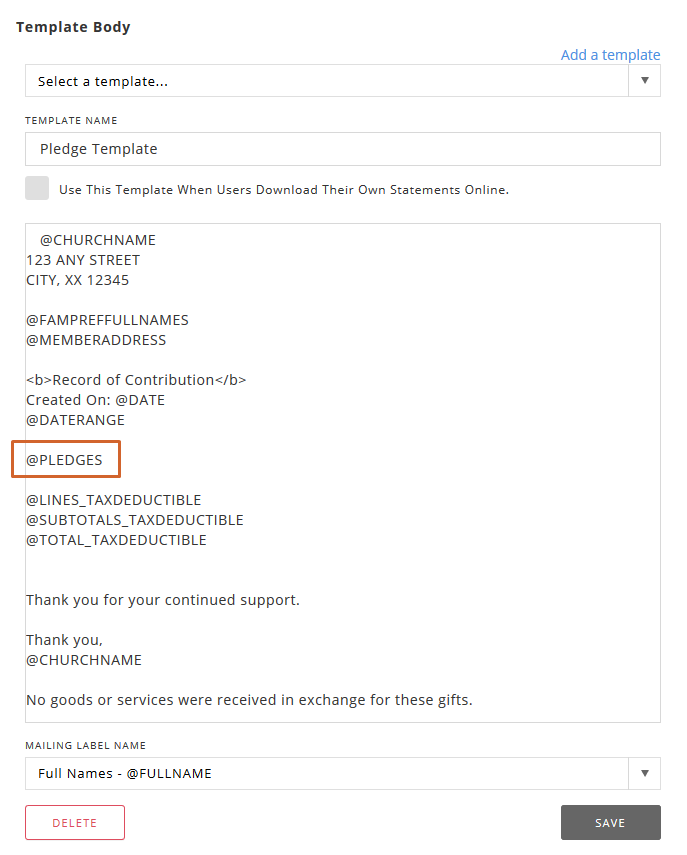
You can easily add pledges to the Giving Letter Template.
Click General Settings → Giving → Giving Letter Template. Then just add the @PLEDGES Placeholder to the Template Body where you want pledge information to appear.
Click the Save button when you are finished editing the template.
 → Giving → Giving Letter Template. Then just add the @PLEDGES Placeholder to the Template Body where you want pledge information to appear.